
LOCAL SECURITY LABThe local physical environment
The local physical environment
behind the AI Security Simulator.
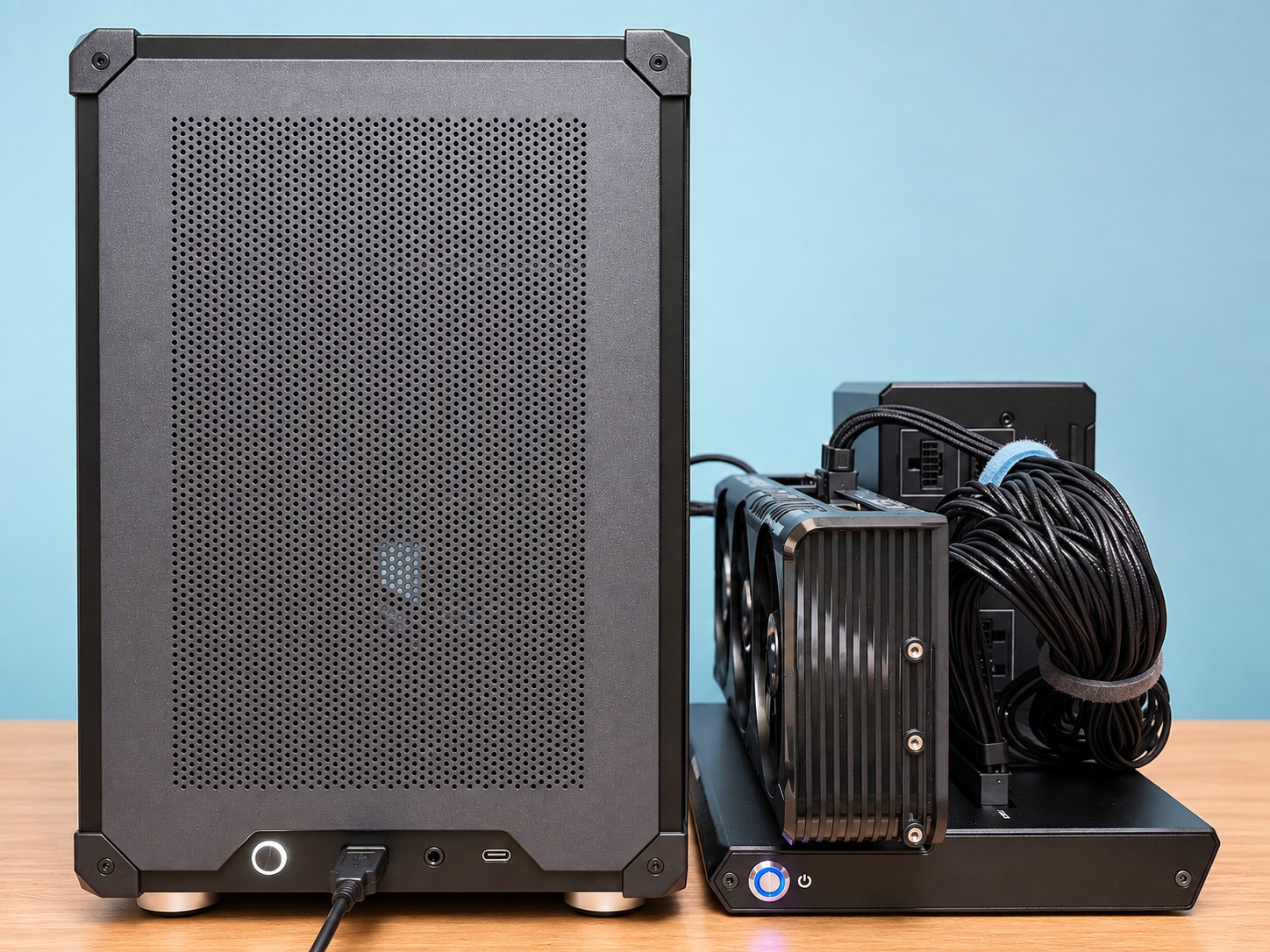
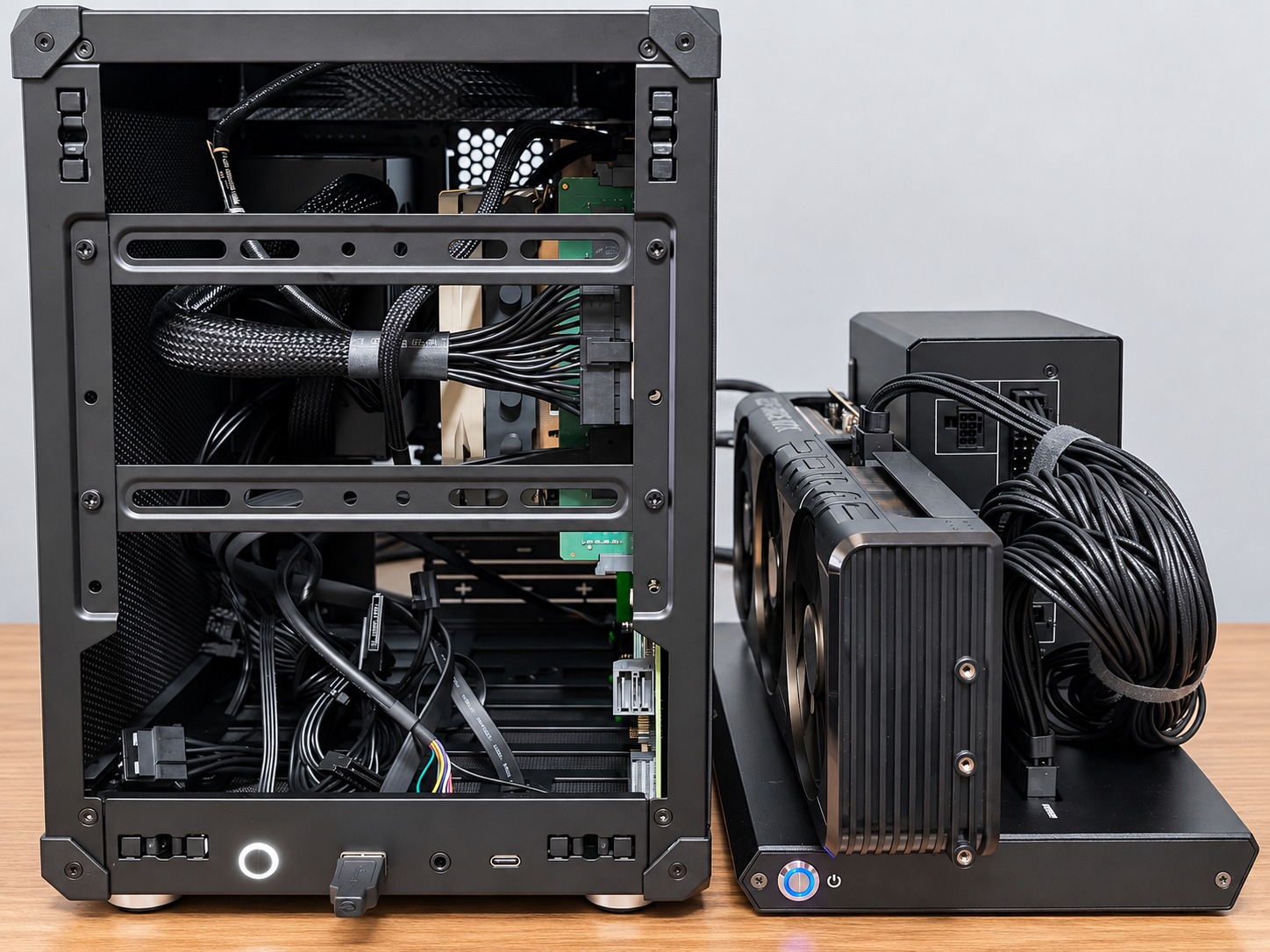
The attack/defense simulation runs on a Windows 11 local environment. Local LLM, agents, API, UI, database, and evidence generation are operated under the same local control.
FIG.01 / LOCAL STACK
A real local runtime, not a production connection.
The Simulator runs on local hardware with the AI runtime, simulation core, control layer, and evidence database under the same operational boundary.
HOSTWindows 11 / Core i5 / 64 GB
Browser, Streamlit UI, Docker, API, and evidence storage run locally.
→
AI RUNTIMERTX 5060 Ti 16 GB / LM Studio
The Local LLM generates structured Attack / Defense decisions through an OpenAI-compatible API.
→
CONTROL / EVIDENCEFastAPI / Safe Mock Tools / PostgreSQL
Security Control enforces boundaries while runs, events, findings, and scores remain traceable.
HARDWARE
Current minimum configuration
HOSTIntel Core i5-13400
MEMORY64 GB RAM
GPURTX 5060 Ti 16 GB eGPU
OSWindows 11 Pro
SOFTWARE
Core processing stays local
LM StudioLocal LLMDockerFastAPIStreamlitPostgreSQLAgent RuntimeEvidence
LIVE DEMO
View demo details →The Simulator demo runs on this physical environment.
See real Attack / Defense agent behavior through your usual online meeting platform.